The academic organizer

All of school.
One calm place.

Classes, homework, tests and grades in one place, with the studying already planned around your life. The SAT only if you want it.

Free to start. No card. Works in the browser.
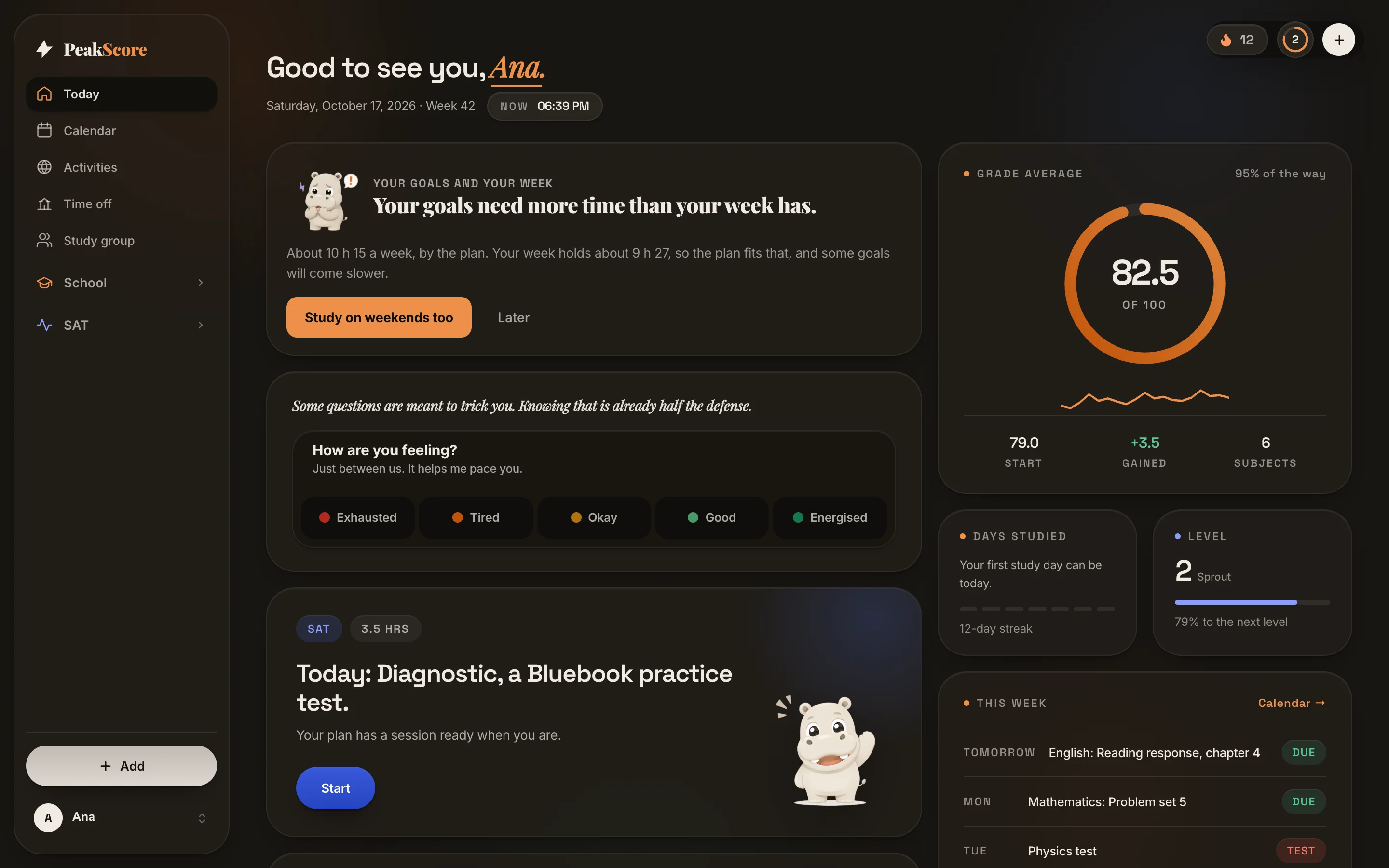
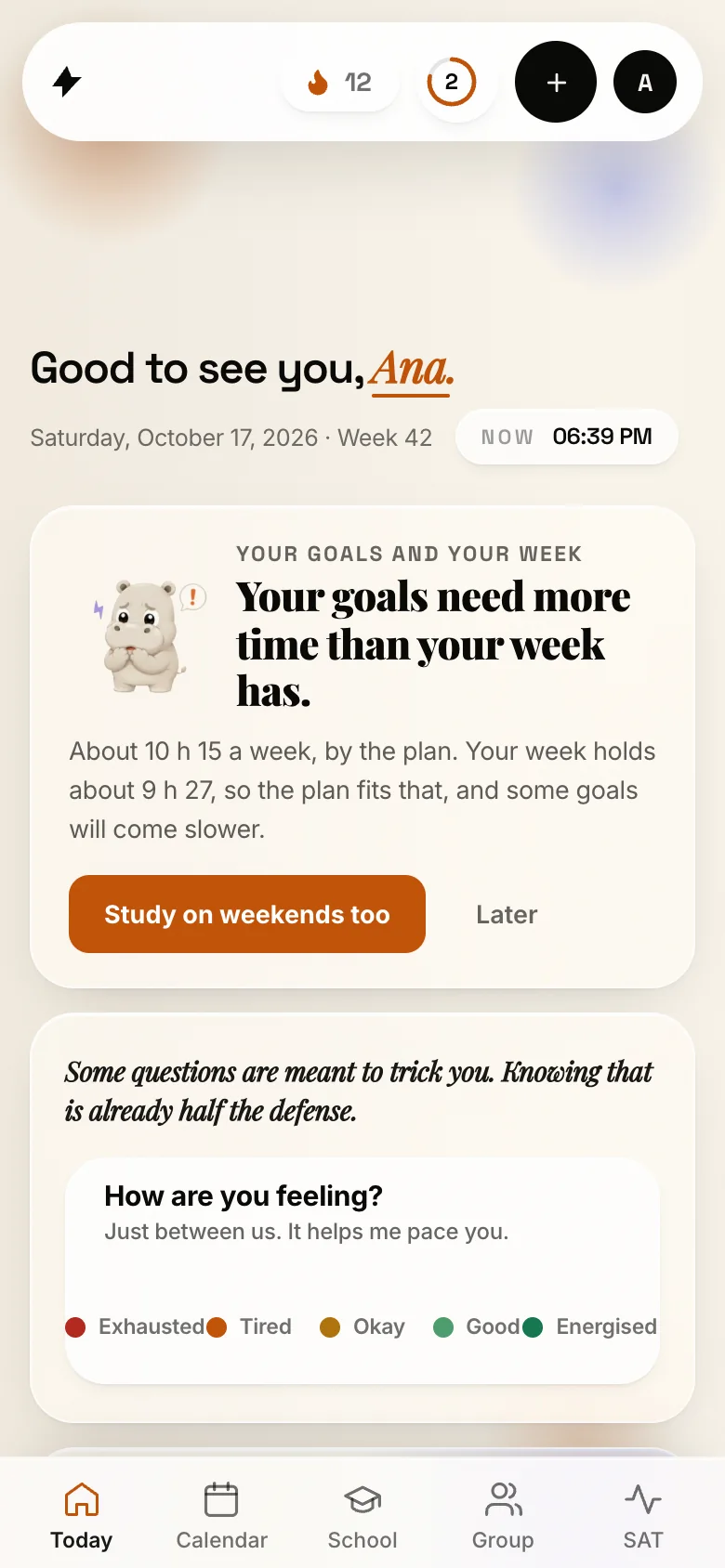
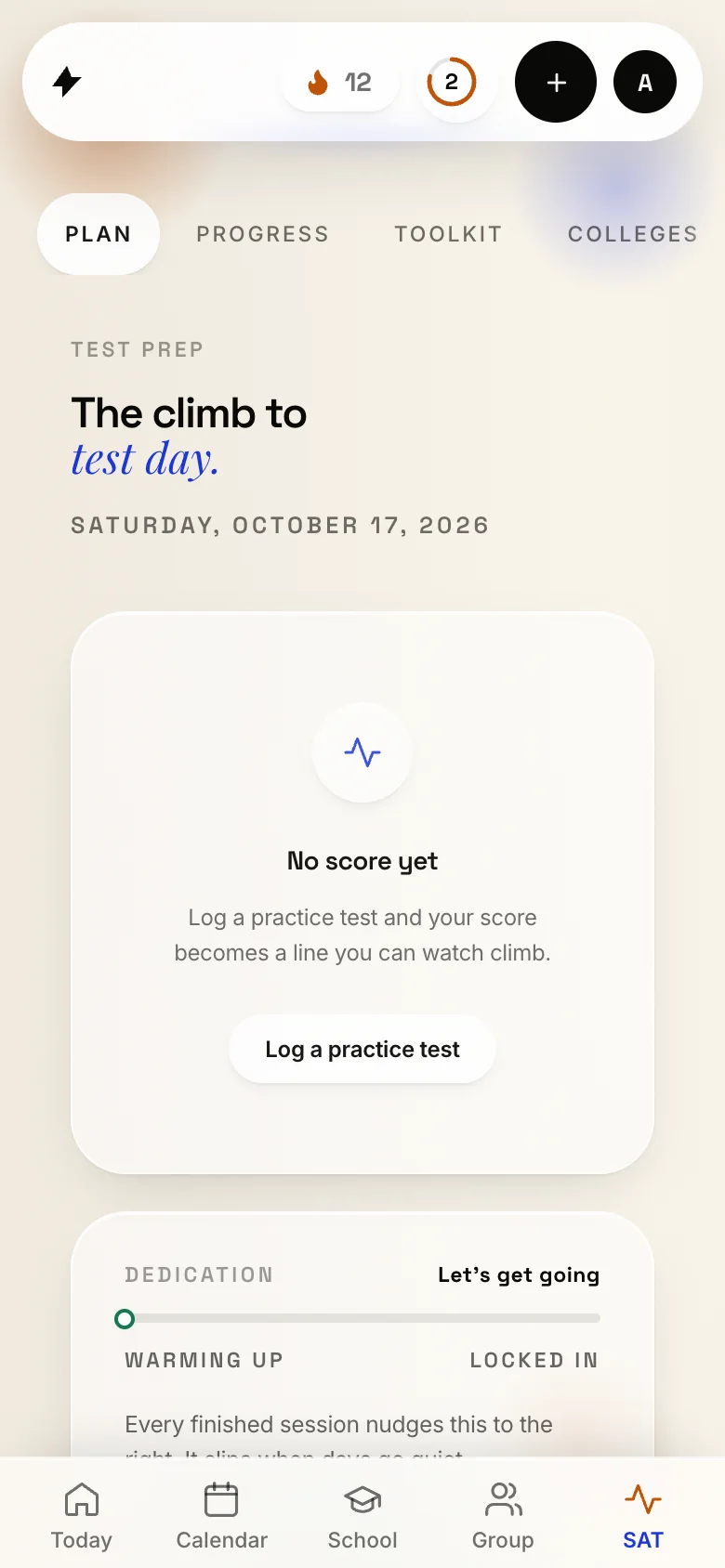
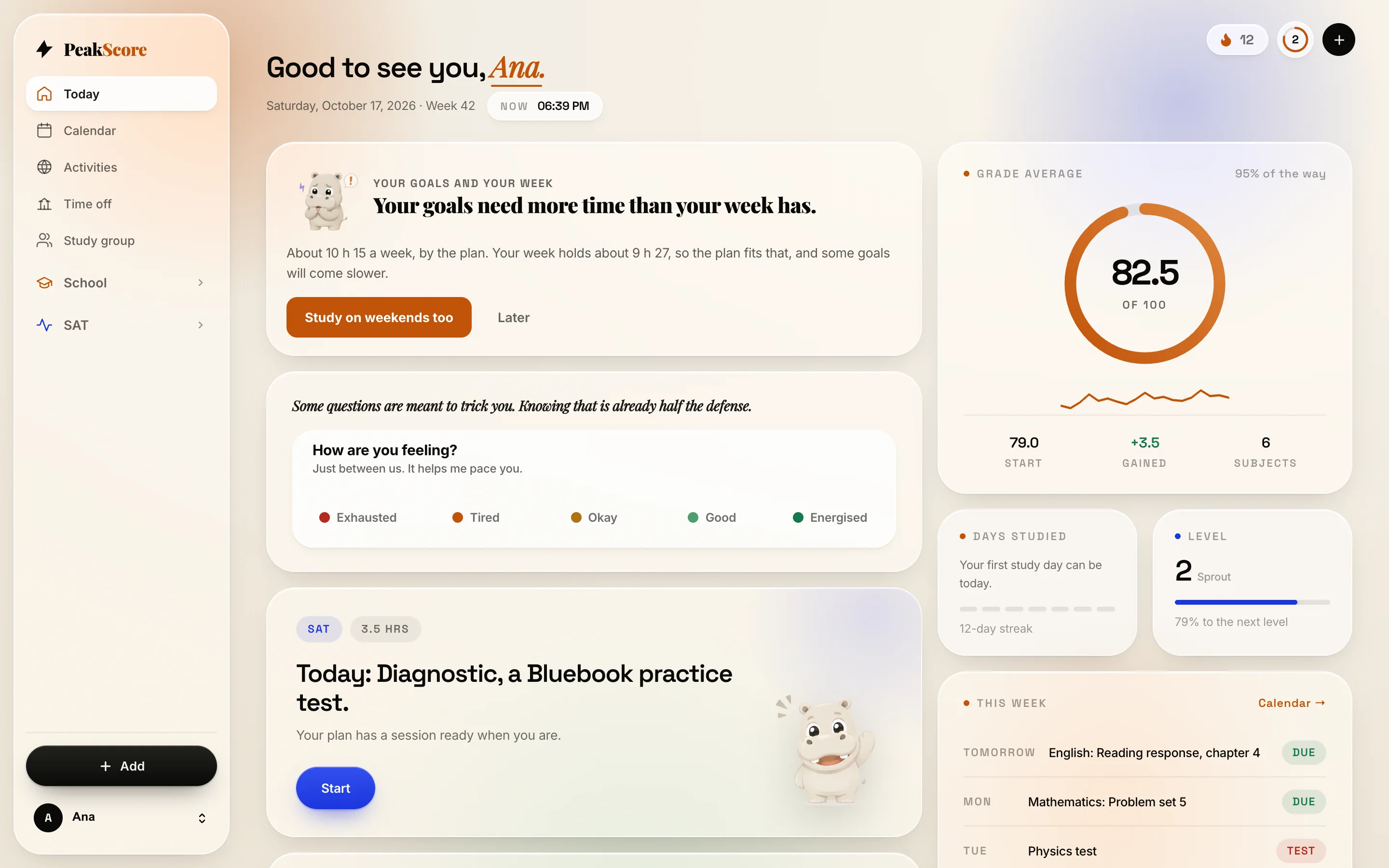
The real Today screen, in night mode. Sample data.

The real Today screen, in night mode. Sample data.

732 universities50 Desmos lessons3 languagesSign-in verified by GoogleData in São PauloNo ads, ever

One real moment

Classroom lands.
Hippo sorts it.

Not a mockup of a promise. This is how the Google Classroom import already works.

01

New work appears

Connect once. Real assignments import on their own, read-only.

02

Hippo asks you

Tonight, tomorrow, the weekend. One tap and it lands in your day.

03

Then it learns

It picks up your habit and schedules new work in the slots you actually use.

TonightTomorrowWeekend
The product, not a mockup

Five screens.
Every one is real.

Scroll. The screens follow you through a student's week, with sample data on every one of them.

01 Today

Everything due, in order.

Classes, homework, prep, and what the next test needs. One place to look, one decision less.

9:41
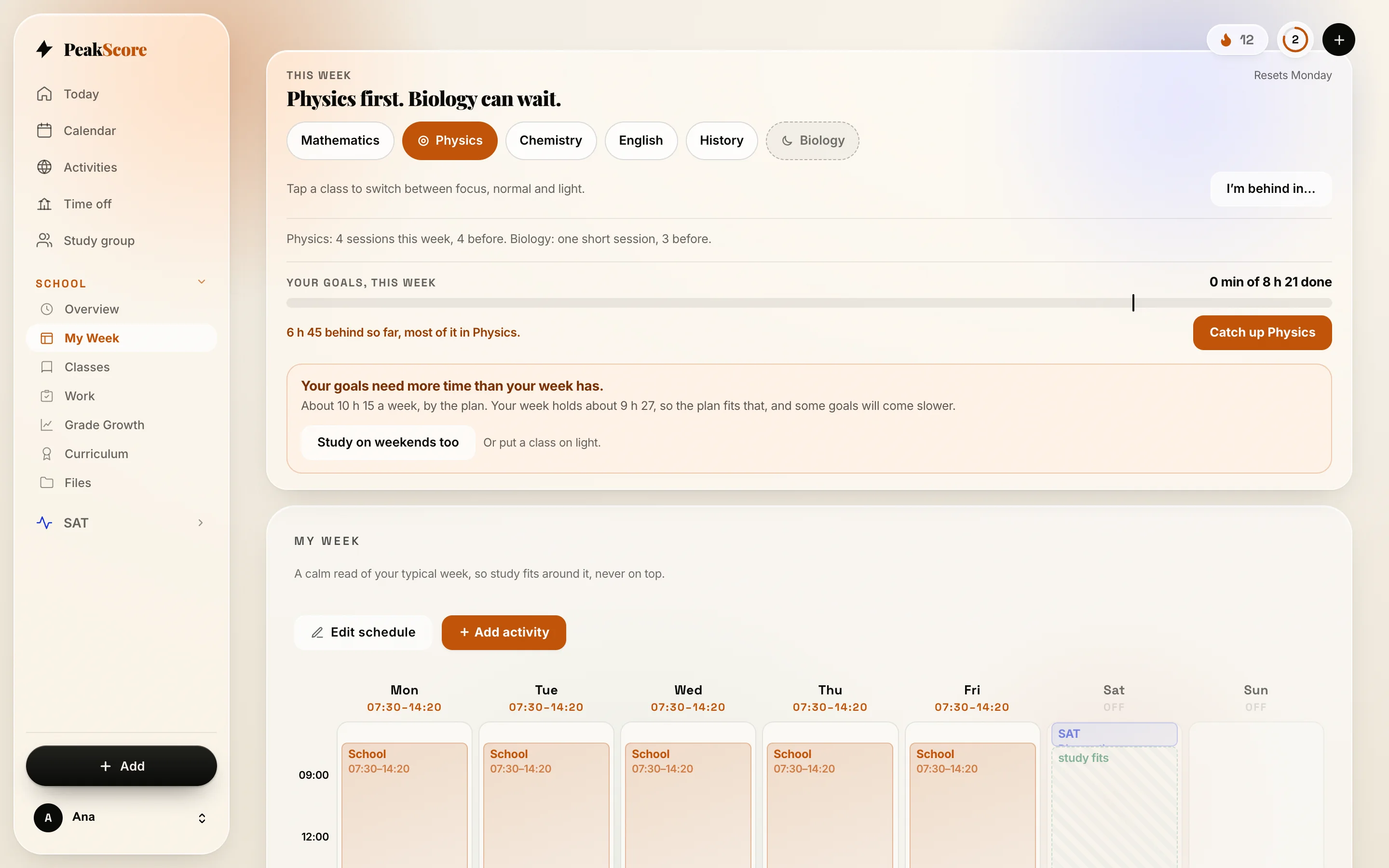
02 My week

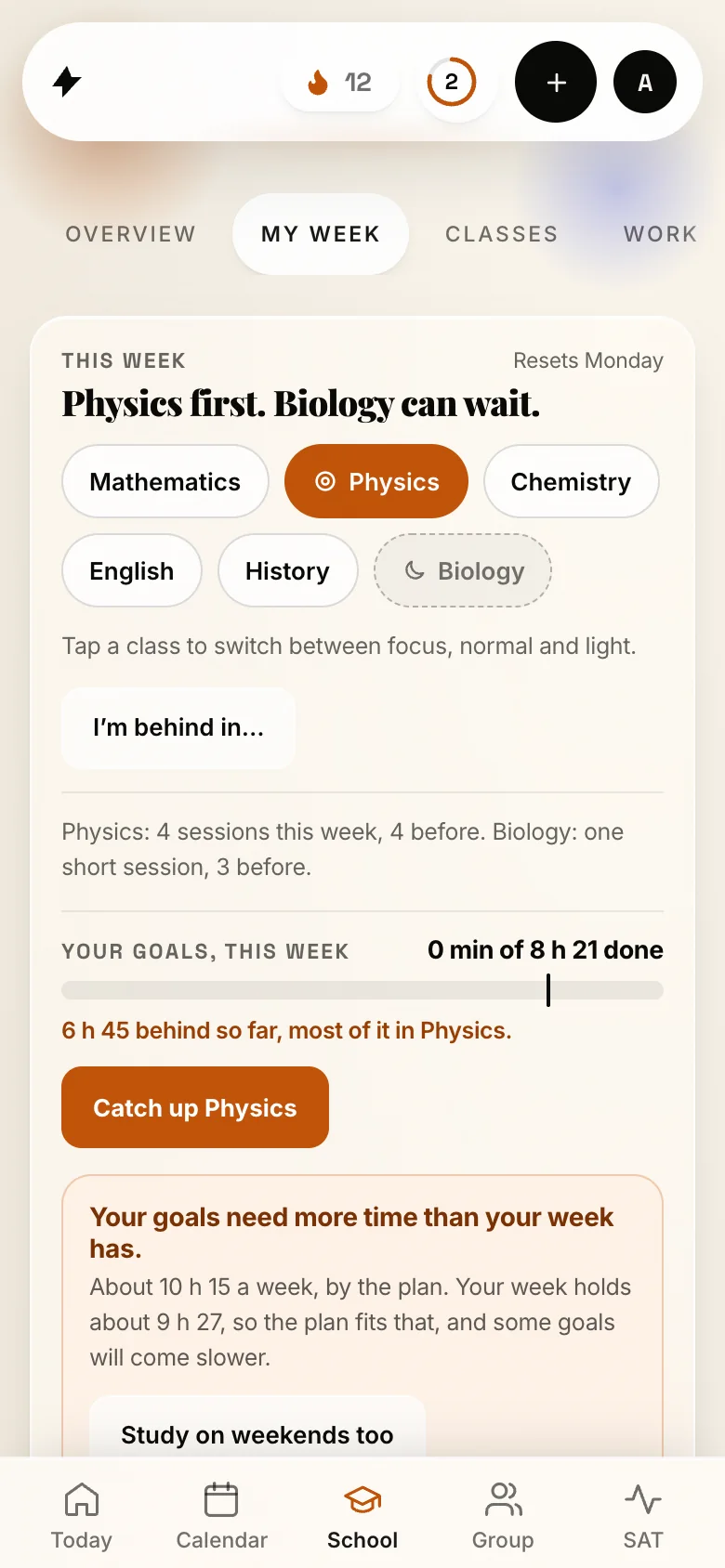
Study in the gaps that exist.

Around school hours and soccer, never on top of them. Physics first this week; Biology can wait.

9:41
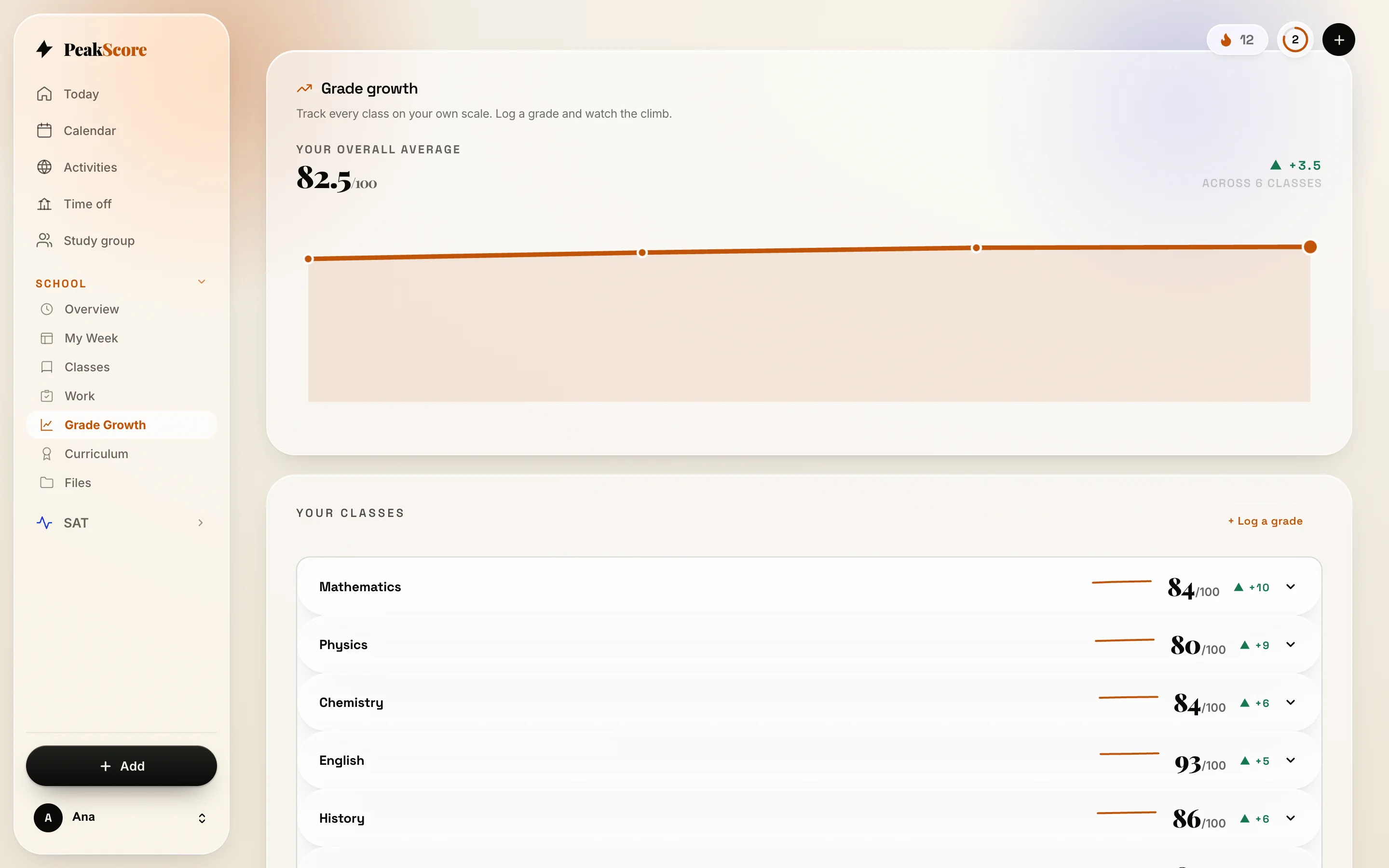
03 Grades

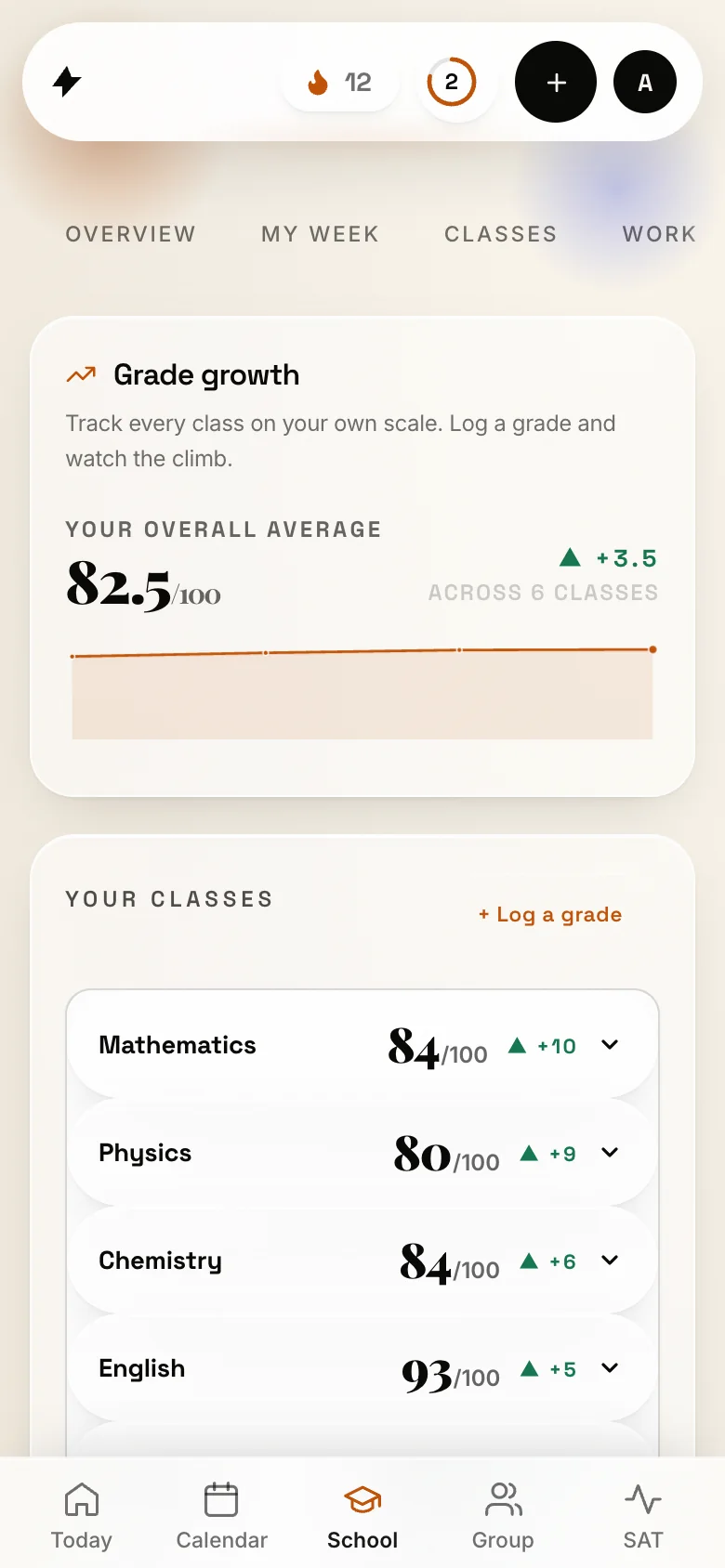
On the scale your school uses.

Subject by subject, the whole term in one honest curve, and how far each goal is.

9:41
04 Universities

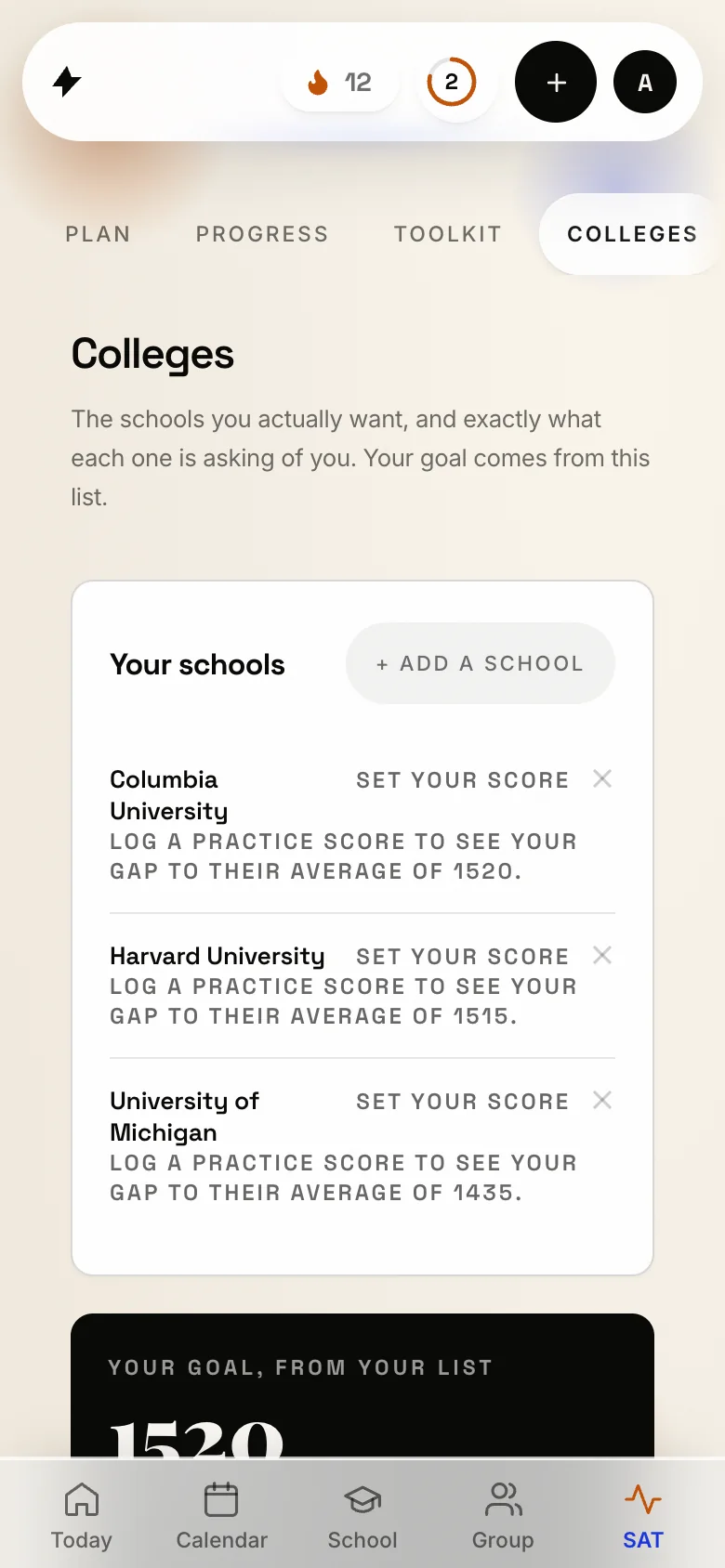
Pins that say where you stand.

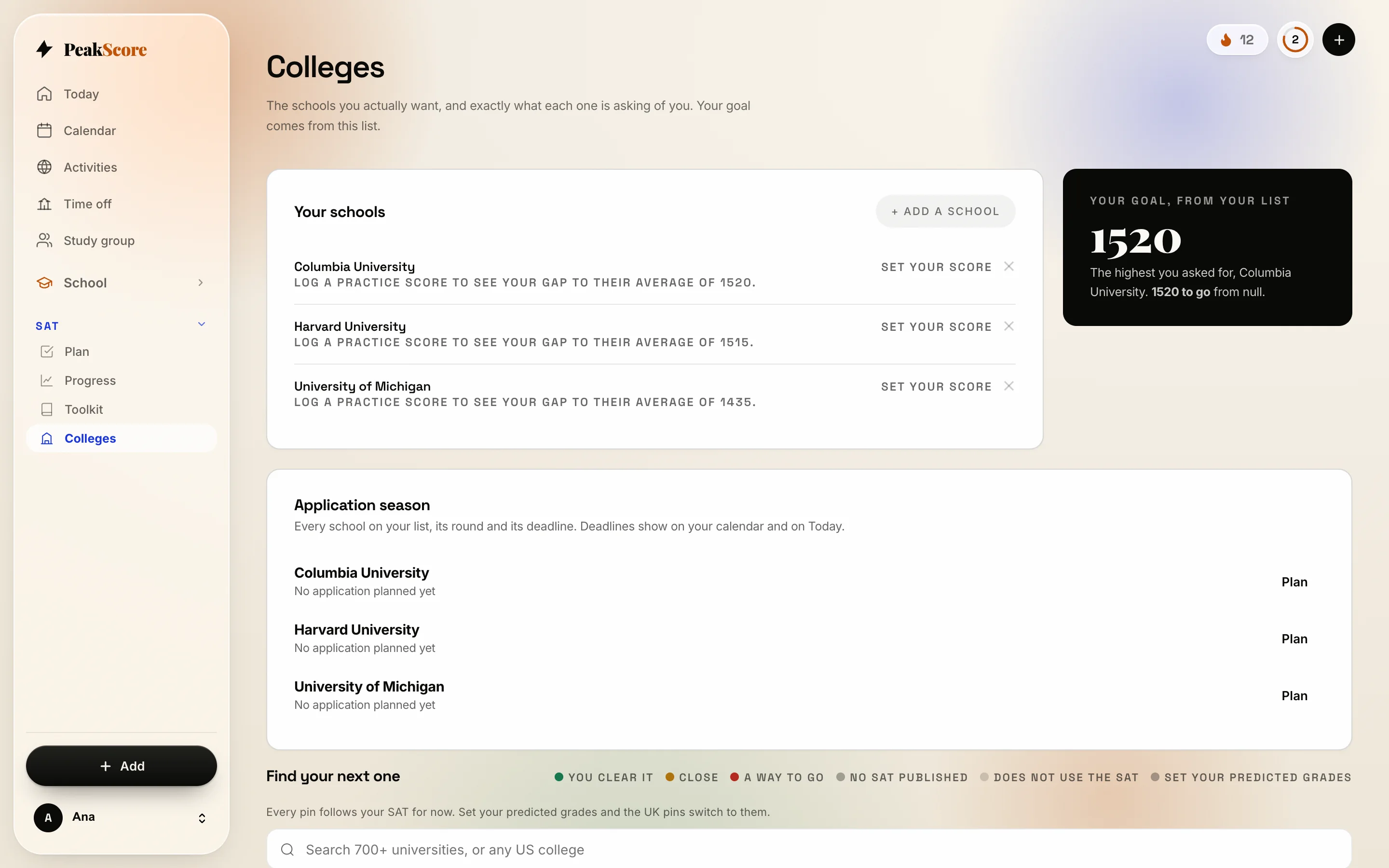
732 universities in the US and the UK, with sourced numbers. The SAT stays optional.

9:41
05 The climb

Sized from two numbers.

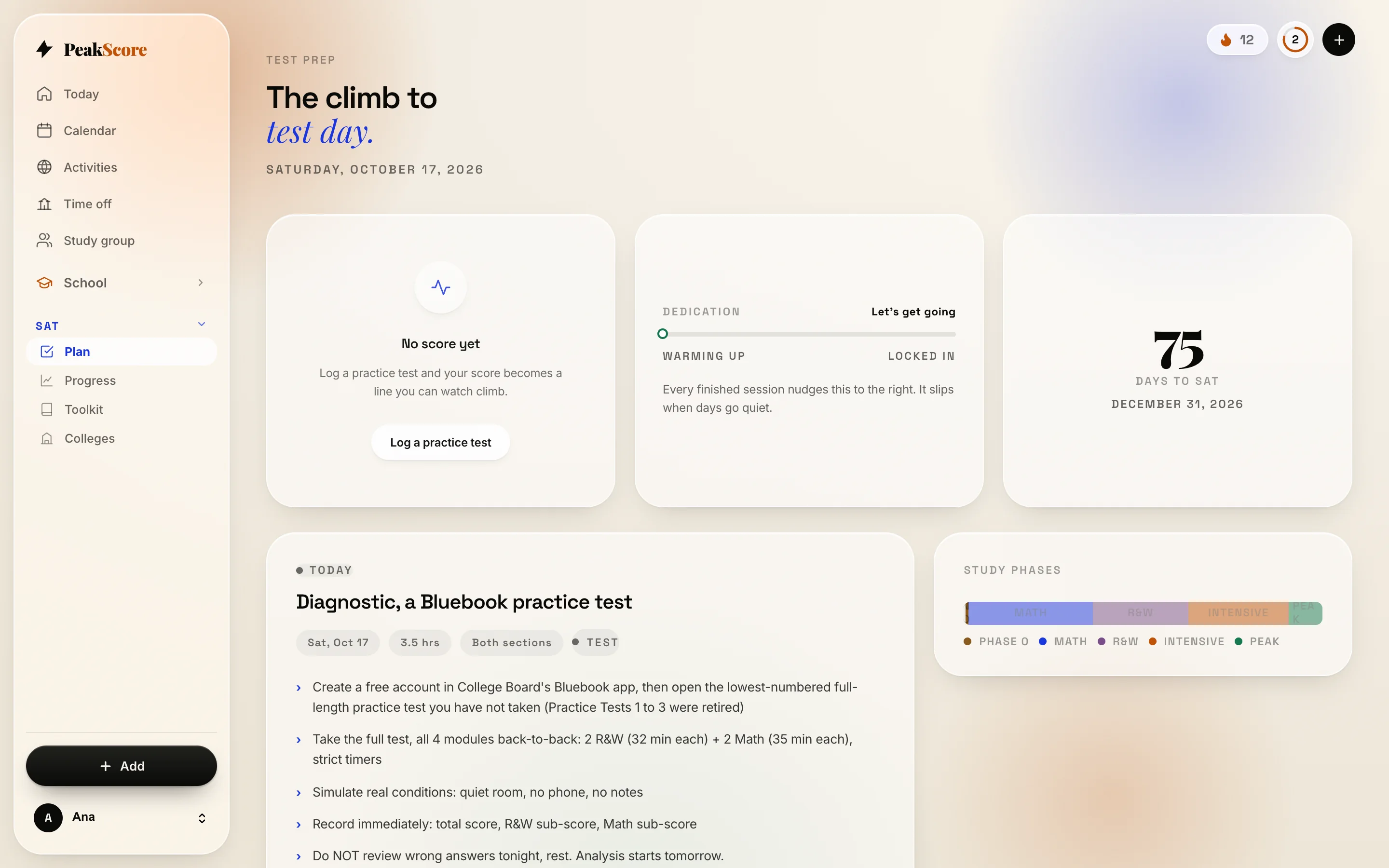
Where you are and where you want to be. Honest when the week cannot hold the goals.

9:41
9:41

Real screens from a real account, in your language. Sample data.

The honest line

We will not claim it raises grades.

Nobody has that data, including us. These are the numbers we can prove, and the method is public with every study cited.

0universities, with sourced SAT numbers
0Desmos lessons, taught free
0languages, the whole app

Read the method, every study cited

Your Google account

What it reads, exactly.

Verified by Google on 13 October 2026. Data in São Paulo. No ads, no selling of data, ever. One tap to download or delete.

Always

Sign in

Name, email, photo. To open your account.

If you connect it

Classroom

Course names, assignment titles, due dates, turned in. Read-only. Never grades.

If you connect it

Drive

Only the folder it creates. Nothing else in your Drive.

Never

Anything else

No Gmail, Calendar, Contacts or location. Disconnect any time.

The full write-up for families and school IT is at peakscore.com.br/seguranca, and the legal version in the Privacy Policy.

Questions

Everything you might ask.

Yes, completely. The whole organizer (classes, homework, tests, grades, and Google Classroom sync) is free. The SAT side leans on free resources like Khan Academy and Bluebook; a couple of books are paid separately, but PeakScore itself costs nothing.

No. School is the anchor and it is always on. The SAT is an optional add-on that fits around school, never instead of it. Turn it on when you are ready, off when the season ends.

Add your classes, or connect Google Classroom in one tap, and your merged day is ready immediately. If you want the SAT too, we ask your test date, a score estimate or a quick diagnostic, and your target universities.

A planner stores deadlines; PeakScore turns them into a realistic day you will actually follow: placing homework, building a prep plan for each test, and merging school and SAT into one timeline. Khan Academy is where you practice; PeakScore tells you what to practice, in what order, and for how long.

Yes, that is the whole point. Every class, assignment, and study session lands in one merged day with its own tasks, links, and time, so you never wonder what to do today. After each SAT session, a Daily Checkpoint tracks your mastery across the 40 skills.

Yes. A Daily Boost, a mood check-in, and Hippo, a study buddy with real personality who triages your new work, celebrates when a plan finishes, and stays out of the way otherwise. Your progress shows up as a climbing score, streaks, and badges.

In São Paulo, on Google Cloud. Database rules let you read and write only your own account; nobody else can, by accident or by trying. Classmates in a study group see only what you switch on. No ads, no selling of data, and one tap to download or delete everything. The full write-up is at peakscore.com.br/seguranca.

Yes, and nothing gets installed. Students sign in with the school Google account, Classroom work flows in read-only, and the school chooses which grades from its own admin console, in about ten minutes. The steps, the questions IT asks and the note for families are at peakscore.com.br/schools and peakscore.com.br/families.

Students

Five minutes, then it runs itself.

Sign in, add your classes, say where you want to be in each one.

Start in five minutes
Families

What it reads, what you can see.

Nothing, unless your child chooses to share it. Where the data is, and your child's control.

For families
Schools

Nothing to install.

Ten minutes in the admin console. A report every month, totals only. No grades promised.

For schools
No trial, no card

Get your school life sorted tonight.

Open it in the browser, add your classes, connect Classroom. That is the whole setup.

Free to start. Paid plans may come later. Made by students.